Narley
Help nearby.
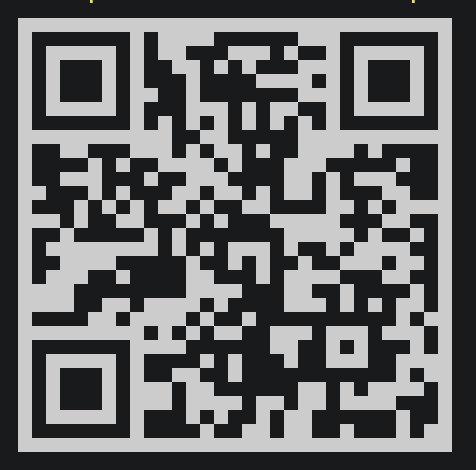
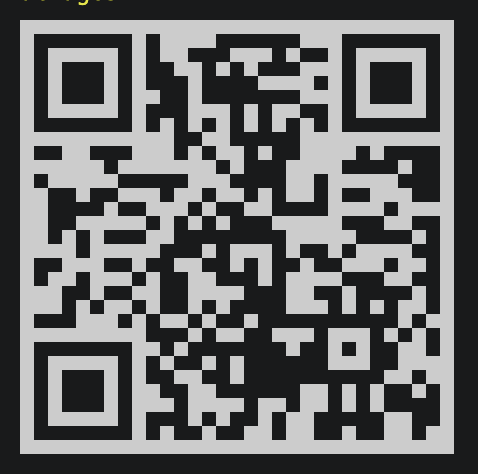
These codes go live during the demo — please scan only when prompted.
The expected Expo --tunnel latency is not a bug, meaning it runs slower with these QR codes above.
Narley connects people with verified community resources — shelter, food, charging, employment help — on a map that providers keep current.
This URL is the API behind the Provider and Reader mobile apps.
Resources by ZIP
Try looking up these ZIP codes in the Reader app to see the resources in that area:
- 65802
- 06515
- 06320
- 06382
- 65355
How to try the apps
- Install “Expo Go” — free from the App Store (iPhone) or Google Play (Android).
-
Open Expo Go and scan the QR code for the app you want to try:
- Reader app — find and save community resources near you.
- Provider app — publish and manage resources, review AI-verified reports.
-
Reader demo login: demo@narley.app / DemoPass123!
Provider demo login: testb@example.com / DemoPass123! -
(a) You can only create an account for the Reader app. The Provider app is strictly for organizations and is secured to require a QR code or invitation, preventing just anyone from creating a Provider app account. That is how I designed it: I vet the organizations.
(b) You can create an account with the Reader app. To create an account just select create account. It will send a code to your email; check your SPAM folder if you choose to create an account.
Expo Go
Once installed, open Expo Go once to confirm it launches. No login or configuration is needed. Open your camera on your phone and point it at the QR code — a notification pops up, tap it to open your app in Expo Go; on Android, open the Expo Go app and tap the “Scan QR Code” button to use the in-app scanner. No account needed for either.